
Speed to Lead for Service Businesses: Stop Losing Jobs
You paid for the ad. You paid for the website. Somebody found you on Google, picked up the phone, and called. Then nobody answered.
That customer didn't leave a voicemail. They went back to the search results and called the next company on the list. You never knew they existed, and you still paid for the click.
If you run a pressure washing company, a roofing crew, an HVAC shop, a tree service or a Christmas light business, this is probably the cheapest leak to fix in your whole marketing budget. It doesn't take a bigger ad budget or more blog posts. It takes a simple follow-up system. This guide shows you how to build one, step by step, whether you ever hire us or not.
What "speed to lead" actually means
"Speed to lead" is just how fast a real person (or a text from your system) responds after someone raises their hand. A phone call, a web form, a message through your Google listing, a request for an estimate. Same idea each time: the customer is shopping right now, and the first business that acts like it cares has the advantage.
Notice we're not claiming a magic number of minutes. Plenty of blogs throw around exact percentages, and we couldn't verify the original sources for most of them, so we're leaving them out. What holds up is simpler. Someone who needs a roof fixed or a furnace running isn't waiting politely. They're contacting several companies at once.
Where service businesses actually lose jobs
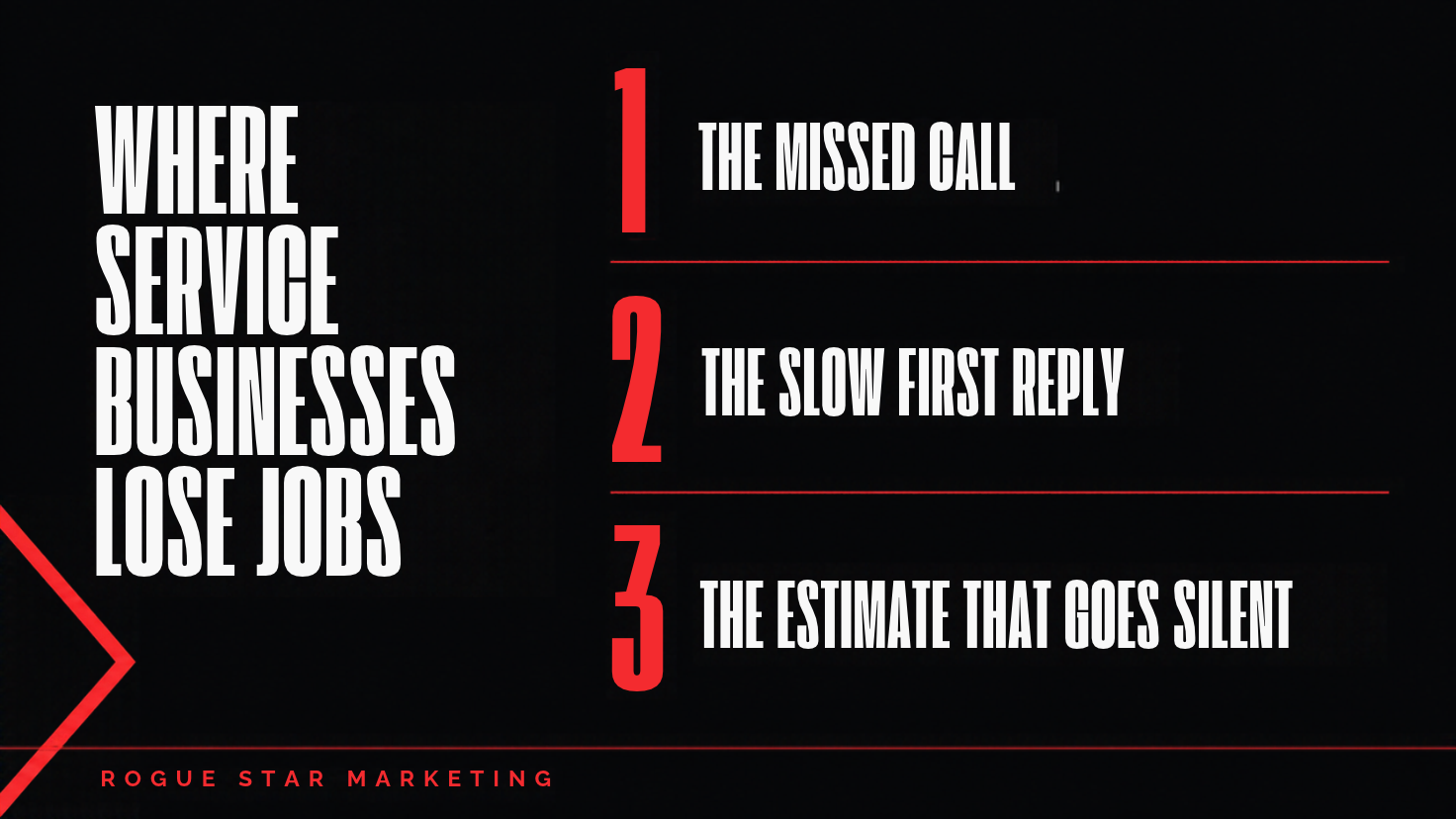
When we look at how a service business handles new leads, the leaks almost always show up in the same three places.
1. The missed call
You're on a job. Your office person is on the other line. It's after hours. The phone rings out and the caller moves on. Nobody tracks it, so it doesn't even show up as a loss.
2. The slow first reply
A web form comes in at 4 p.m. and gets answered the next morning, or the next afternoon. By then the customer has talked to two other companies.
3. The estimate that goes silent
You send the quote. Then nothing. No follow-up, no question about whether it made sense, no reminder. Most people aren't saying no. They're busy, they got distracted, or they're waiting for you to make it easy to say yes.
What Google says about responding fast
If you run Google's Local Services Ads (Google's paid ads for local service providers), Google is direct about this. Its lead management help page says it's highly recommended to respond to leads as soon as they come in, and that a consistently fast response time could improve your ad's ranking.
Google's getting started page goes further: if you regularly fail to answer calls or respond to messages, your ad ranking may be affected. So for LSA, ignoring leads doesn't just lose the job in front of you. It can make the next lead more expensive to get.
A five-step follow-up system you can build this week
You don't need fancy software to start. You need a rule for each step and someone (or something) responsible for it.
Step 1: Never let a missed call go quiet
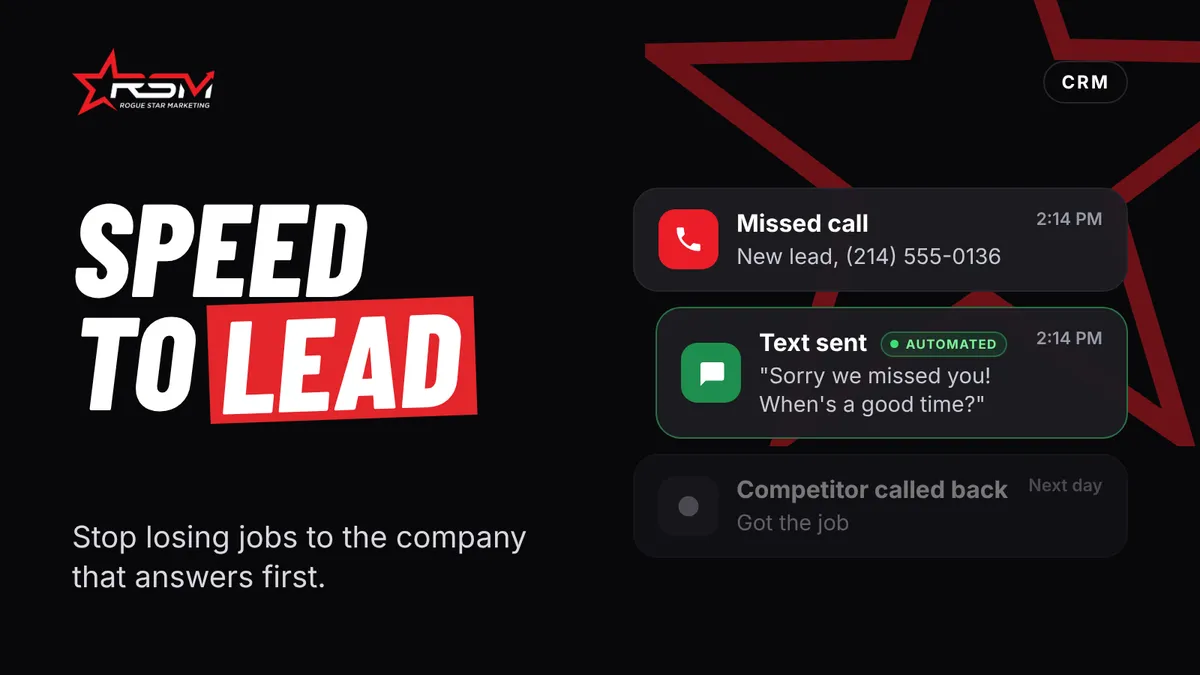
Set a rule: every missed call gets a text within a couple of minutes. Something like, "Sorry we missed you, we're on a job. What do you need help with, and what's the best time to call back?" That one message keeps the customer talking to you instead of shopping.
Step 2: Answer every new lead the same way
Write a short first reply and save it. Greet them by name, confirm what they asked for, say when they'll hear from a person, and ask one easy question (the address, a photo, the best time). One question gets more replies than three.
Step 3: Make estimates a promise, not a mystery
When you quote someone, tell them when they'll have it. Then send it when you said you would. Include a clear next step, like a button or a number to reply to, so saying yes takes ten seconds.
Step 4: Follow up on a schedule
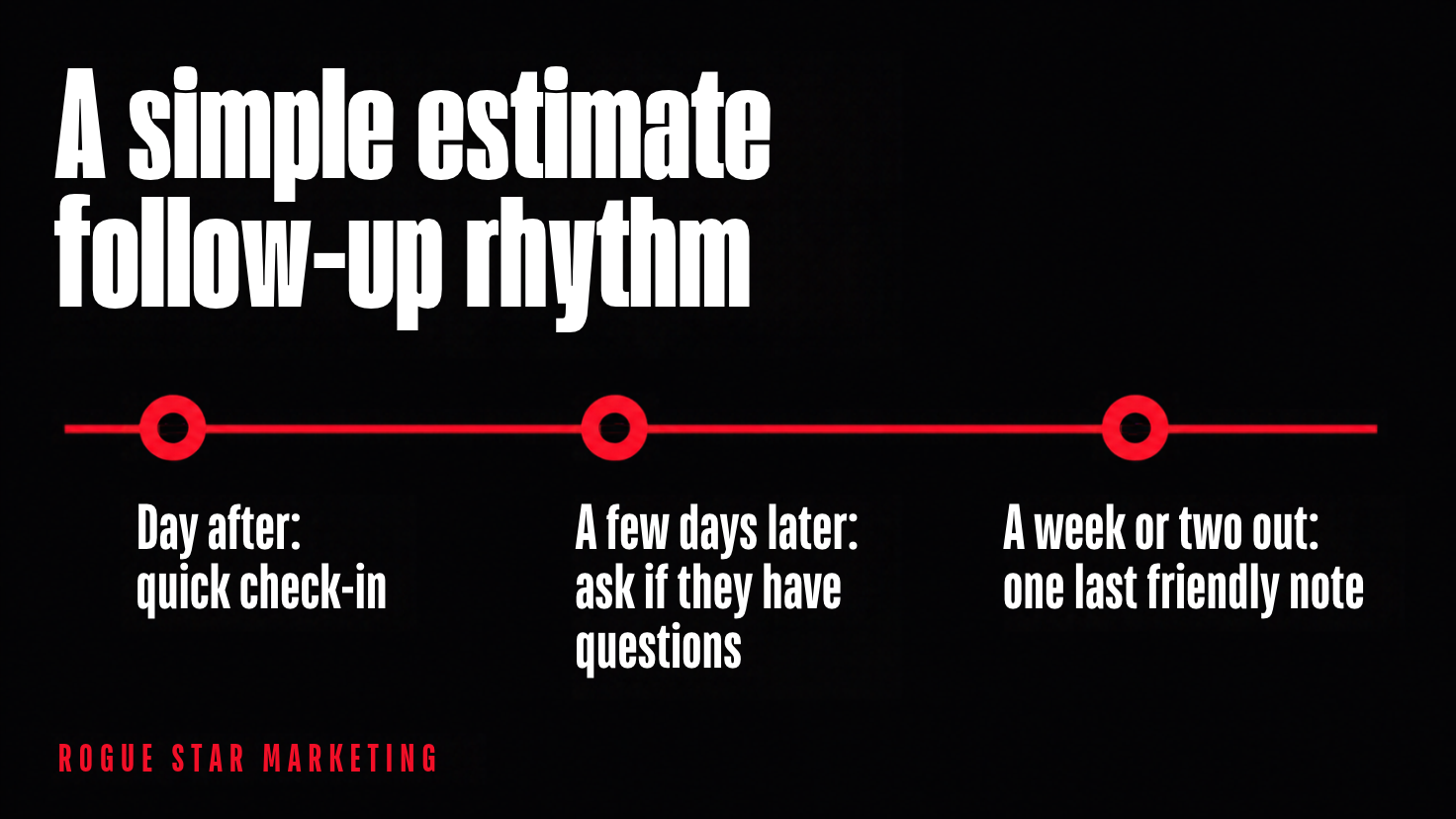
A simple rhythm works: a quick check-in the day after the estimate, another a few days later, and a last friendly note a week or two out. Keep each message short and useful. Ask if they have questions. Don't guilt-trip.
Step 5: Write down where leads come from and where they stall
Even a basic pipeline (New, Contacted, Estimate Sent, Won, Lost) shows you where jobs are slipping. If you can't see the stages, you can't fix them. This is the part most owners skip, and it's the part that tells you whether your ad and SEO money is paying off.
How to set up missed call text back in HighLevel
If your business runs on HighLevel (also called GoHighLevel), Missed Call Text Back is built in. According to HighLevel's help article, you turn it on under Settings, then Phone System, then Voice, then Voicemail and Missed Call Text Back. You write your message, send yourself a test, and save.
Two details from that article are worth knowing:
- Set the call timeout. The incoming call timeout decides when a call counts as missed. HighLevel recommends 10 to 20 seconds.
- Watch for repeat texts. The feature sends a text for every missed call, including repeat calls in a short window. HighLevel suggests customizing the workflow, for example with a wait step or tag-based filters, so one impatient caller doesn't get five texts.
Not on HighLevel? Most field service software has some version of this, and tools like Zapier can connect them. The principle is the same: a missed call should trigger a human-sounding reply automatically.
What this means in November
Seasonal businesses feel this the most. Christmas light installers and HVAC companies get a surge of calls in a short window. That's exactly when the phone goes unanswered, because everyone is on a job. If you only fix one thing before the rush, make it the missed call text and the first reply from Steps 1 and 2.
I run a pressure washing company myself, so I know the phone doesn't ring when it's convenient. That's why we build follow-up systems to work when you can't.
How RSM handles this for clients
Follow-up is part of how we set up a CRM. We build the pipeline, the missed call text back, the first-reply message, the estimate follow-up sequence and review requests after the job is done. We connect it to the field software you already use, like Jobber, Housecall Pro, CompanyCam or Markate, so nobody types the same lead into three places.
We also show you the work. You get to see the messages we wrote, the rules we set and the pipeline stages, and you keep ownership of your account and your data. If you're paying us for SEO or ads too, this is how we connect those leads to actual booked jobs, instead of handing you a report full of clicks.
FAQ
How fast should a service business respond to a new lead?
As fast as you reasonably can. Google's own Local Services Ads guidance recommends responding as soon as leads come in. A practical target is an automatic text within a couple of minutes, and a real person within the same business day.
What is missed call text back?
Missed call text back is a feature that automatically sends a text message to anyone whose call goes unanswered. It keeps the customer engaged until you can call back. HighLevel includes it, and you can set a call timeout and customize the message.
How many times should I follow up on an estimate?
There's no magic number, but three touches over one to two weeks is a reasonable starting point. Keep each message short, ask whether they have questions, and stop when they say yes or no.
Does slow follow-up hurt my Google Local Services Ads?
It can. Google says that regularly failing to answer calls or respond to messages may affect your ad ranking, and that a consistently fast response time could improve it.
Want a second set of eyes on your follow-up?
If you're not sure where your leads are slipping, book a Good-Fit Call. It's a 45-minute Zoom call where we look at how leads reach you today and tell you honestly whether we can help. No pressure, and you'll leave with a few fixes you can make yourself either way.
